Ensure quality production and stable operation
5M Process Control APC-5M
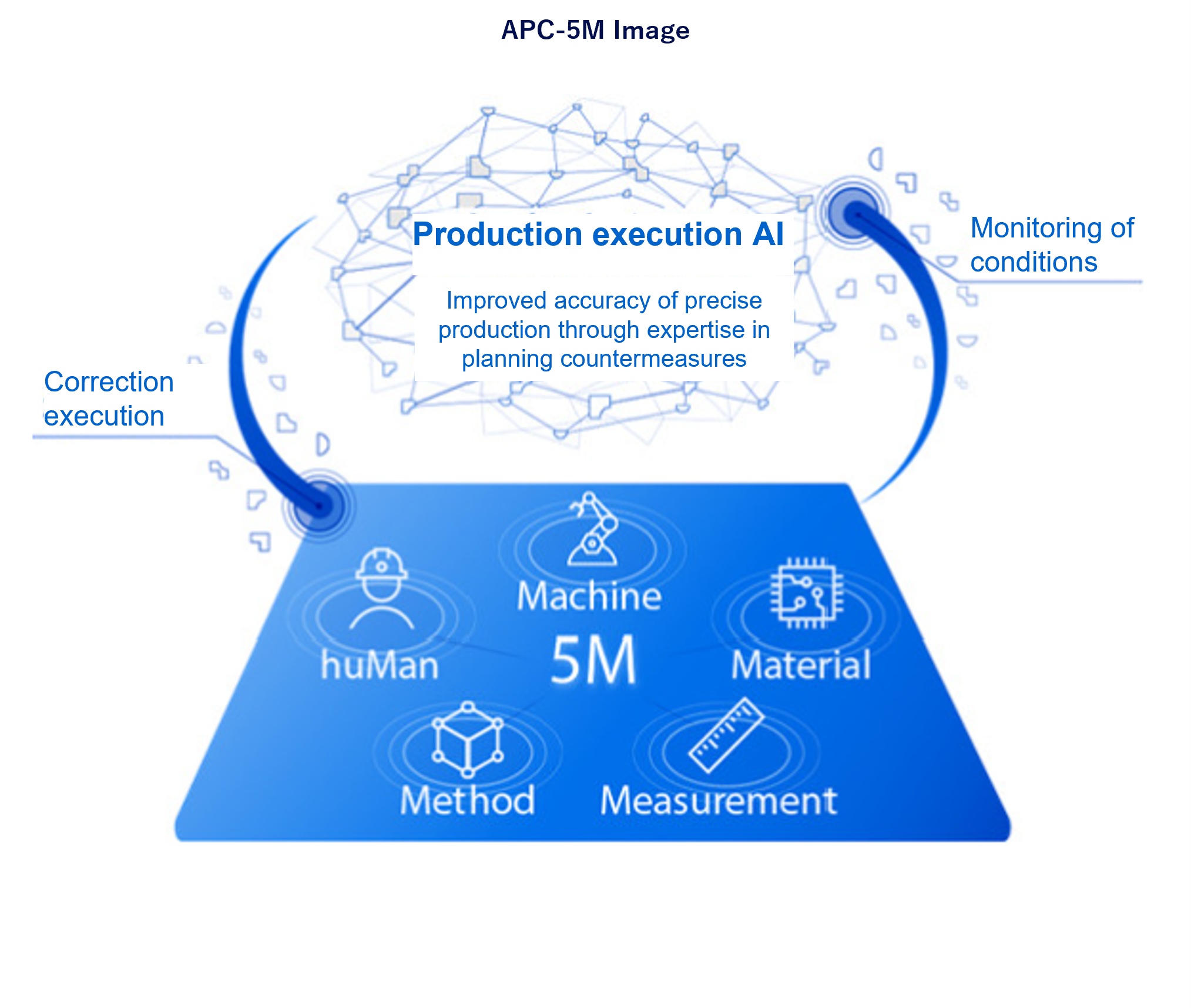
5M real-time monitoring determines units that need to be corrected by monitoring the 5Ms in real time and performs maintenance at the right time with minimal impact on operations
Mounter
- Quality declines because of missed maintenance
- Excessive maintenance work
- Production launch of units that are not correctly maintained
Printer
- Excessive maintenance work
- Production and quality losses due to material changes

Real-time monitoring of the condition of the unit to be maintained on the mounter is performed for each unit, and changes in the numerical value are used to detect deterioration of the condition for each unit, thereby promoting proper maintenance without skill.
(The main feature of this system is that production can be made while ensuring that the head, nozzle and feeder are good.)

Predictive maintenance can be performed before the unit condition deteriorates by turning three function (Autonomous driving, LPC, maintenance) loops.

1.Reducing quality deterioration caused by maintenance omission
In automatic operation, the status of the target unit is monitored in real time and transmitted to the LPC. At the same time, when the status changes to “Warning,” a warning is displayed, and when it becomes “Error,” the unit executes an abnormal stop, prompting maintenance.Predictive maintenance is possible before the condition deteriorates, and quality deterioration and error stop due to maintenance delay and leakage are suppressed.

2.Reducing excessive maintenance work
By analyzing the condition of each LPC unit, the necessity of maintenance can be visualized, and excessive maintenance work can be reduced by performing maintenance only on malfunctioning units.
In addition, the line condition monitor collectively displays the latest status of the target units, and supports the planning of maintenance at the optimal timing, enabling efficient predictive maintenance.

3.Preventing improperly maintained units from entering production
On the maintenance screen, it is possible to confirm details of the maintenance parts of the target unit.
In addition, by checking the status after maintenance, it is possible to confirm whether proper maintenance has been performed before entering production. By eliminating the entry or use of malfunctioning or defective units, stop of placement and recognition error, and loss of parts are reduced.

This function monitors the status of the unit to be maintained and the materials to be used. Deterioration of the status is detected by changes in the numerical values. Then, it promotes appropriate maintenance and material replacement timing without skill.

1.Reducing excessive maintenance work
With real-time unit monitoring, excessive maintenance work can be reduced by performing maintenance only on malfunctioning units at the right time. By optimizing maintenance timing, production time can be extended.
For example, real-time transport time is monitored, changes in PCB arrival time are captured, and cleaning of the transport belt is encouraged. In addition, real-time monitoring of the operation of the PCB side clamper, vacuum arrival time at the time of PCB suctions, and foreign matter adhesion on the PCB side clamper is used to notify maintenance.

2.Reducing production and quality losses due to material changes
Stable production can be continued by monitoring material conditions and automatically changing equipment parameters. In addition, material can be replaced at an appropriate time before the condition deteriorates, reducing defective losses and operating losses.
For example, with stencil tension feedback, stencil tension is measured before printing, and if the tension is low, the plate release operation is changed or the mask replacement is notified.

Printing condition optimization control
High quality production is achieved on the line by M2M (Machine to Machine) with solder inspection equipment (SPI). The optimum printing condition (volume) is guided and maintained by changing each condition such as printing pressure, squeegee speed and plate release speed based on SPI results.
Solder volume correction data is fed back to the printing press via FA personal computer (LNB).
