This software solves the following issues.
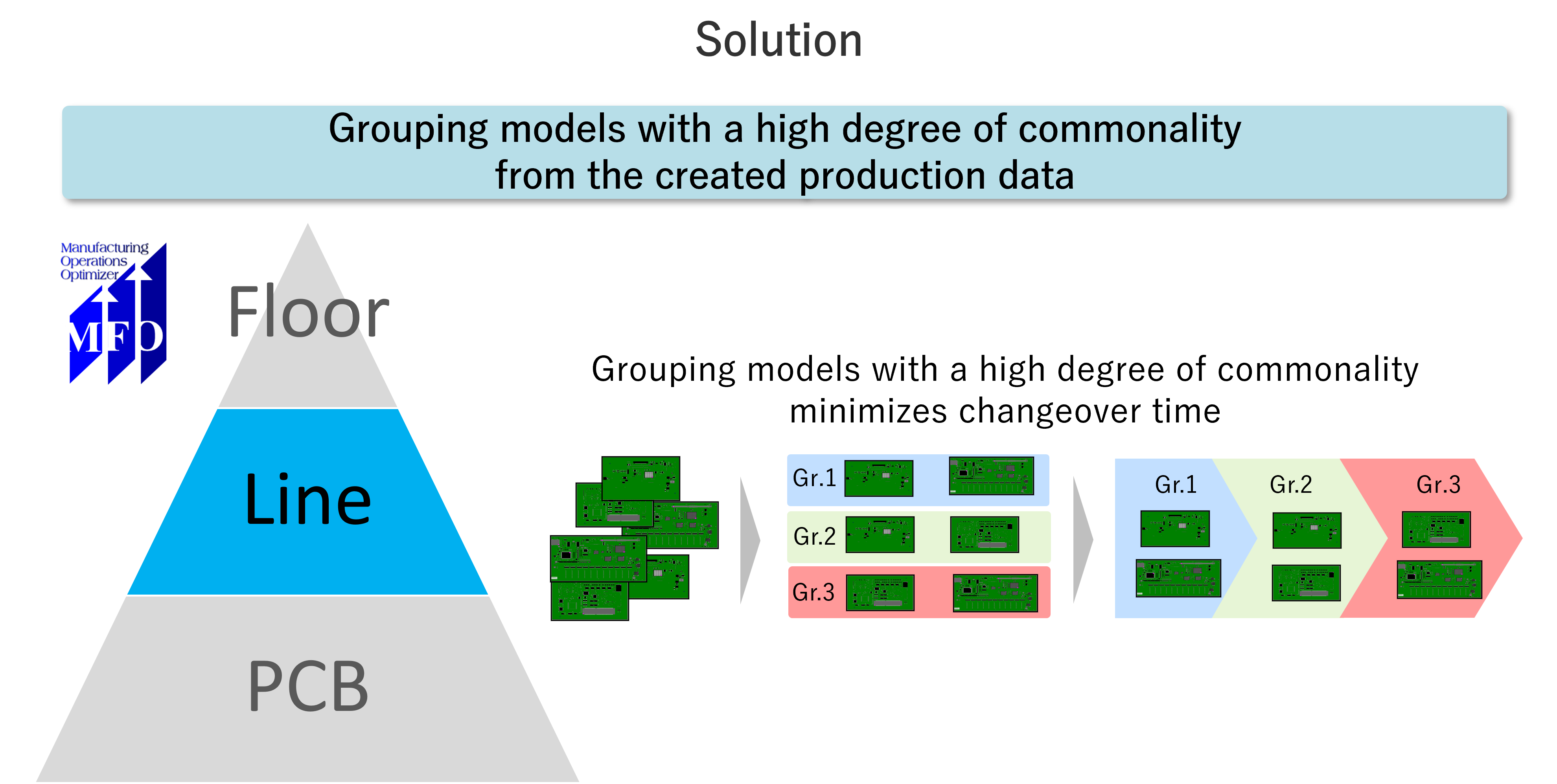
- Need to prepare a production plan that optimizes the SMT changeover preparation
- Need to prepare production plans taking into consideration common arrangements
- Need to streamline work time and improve efficiency related to preparation of plans
- Need to resolve the situation where the planning personnel cannot take a break
- Need to generate SMT production data based on production plans
- Need to perform simulations for improving productivity, such as efficient line organization, machine expansion, operator routing, etc.
MFO is the solution.
Viewing time 90 sec
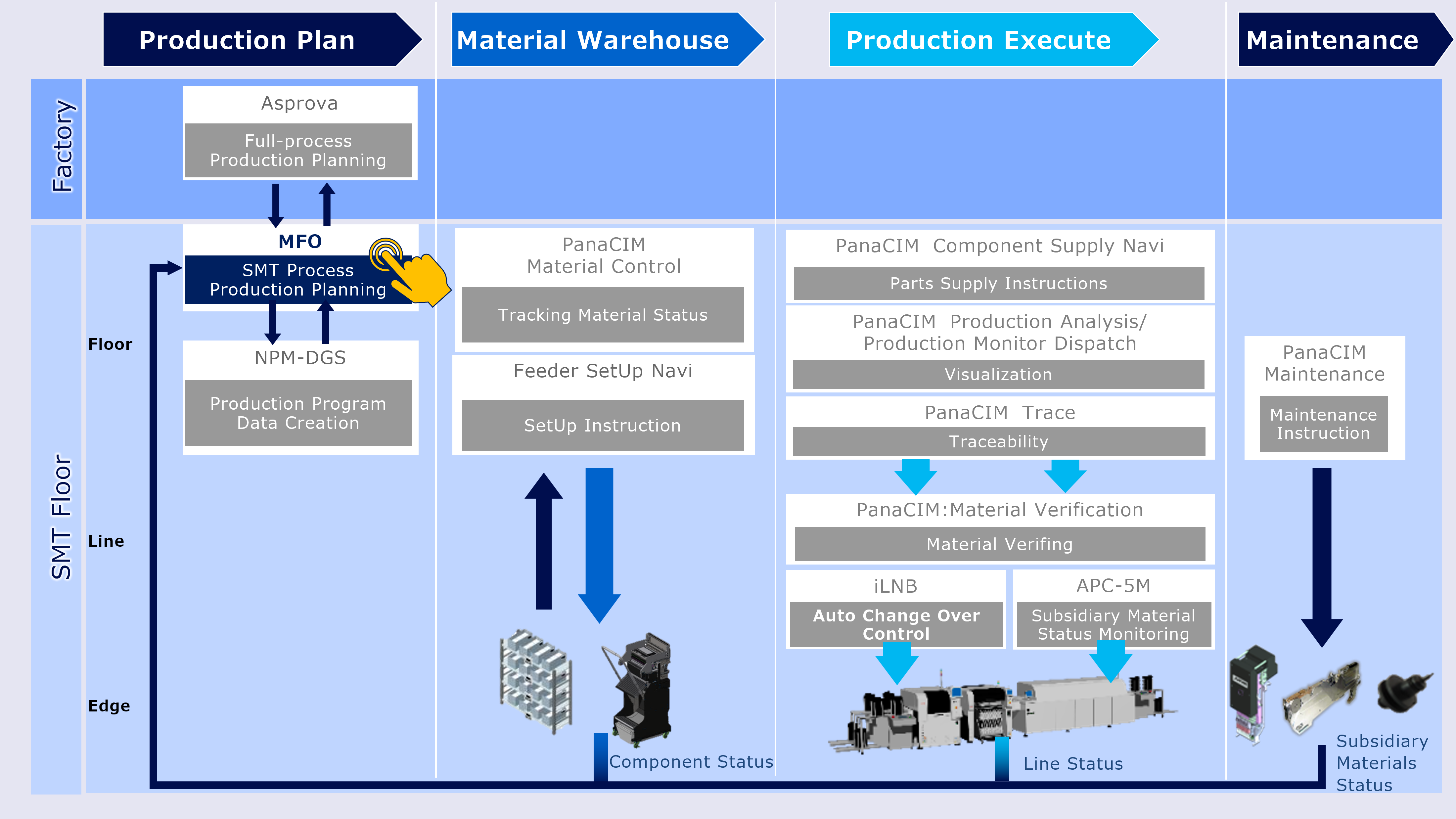
MFO is software that realizes entire production simulation by digital-twinning on the mounting floor.



Step 1: Understanding Your Challenges
We conduct a thorough investigation and analysis of your manufacturing site to understand the flow of materials and operations, identifying key issues and challenges.
Step 2: Defining Requirements for Improvement
By hearing to your expectations for production management, planning, and workflows, we propose solutions from a third-party perspective.
Step 3: System Design, Development, and Implementation
Together with you, we design the system based on the ideal future state, conduct a simulation on the system and implement it.
Step 4: Operational Support
We provide ongoing support to help you leverage the implemented system for continuous improvement in your operations.

Alps Alpine has used MFO to automatically create complex production plans for SMT floors with large variety of products and small lots. This is an example of how the complex production planning process that used to take half a day was reduced to about five minutes.
Production Scheduler
Asprova
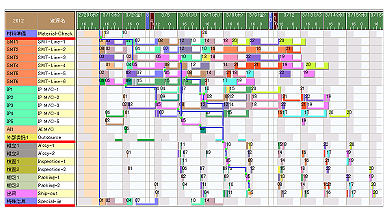
Plans process that can be executed in a short period, taking into account worksite constraints.
Contributes to short manufacturing lead times, reduced in-process inventory, more accurate delivery responses and shorter planning cycles
Data Generation System
NPM-DGS
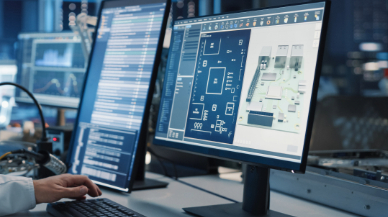
Contributes to the generation of optimal component arrangements, assembly order and production data for multiple PCBs by importing your CAD and BOM data
Mounting MES Software
PanaCIM-EE Gen2
Support is provided for improvement in QCD in each task related to mounting, through centralized management of the entire mounting floor
Integrated Line Management System
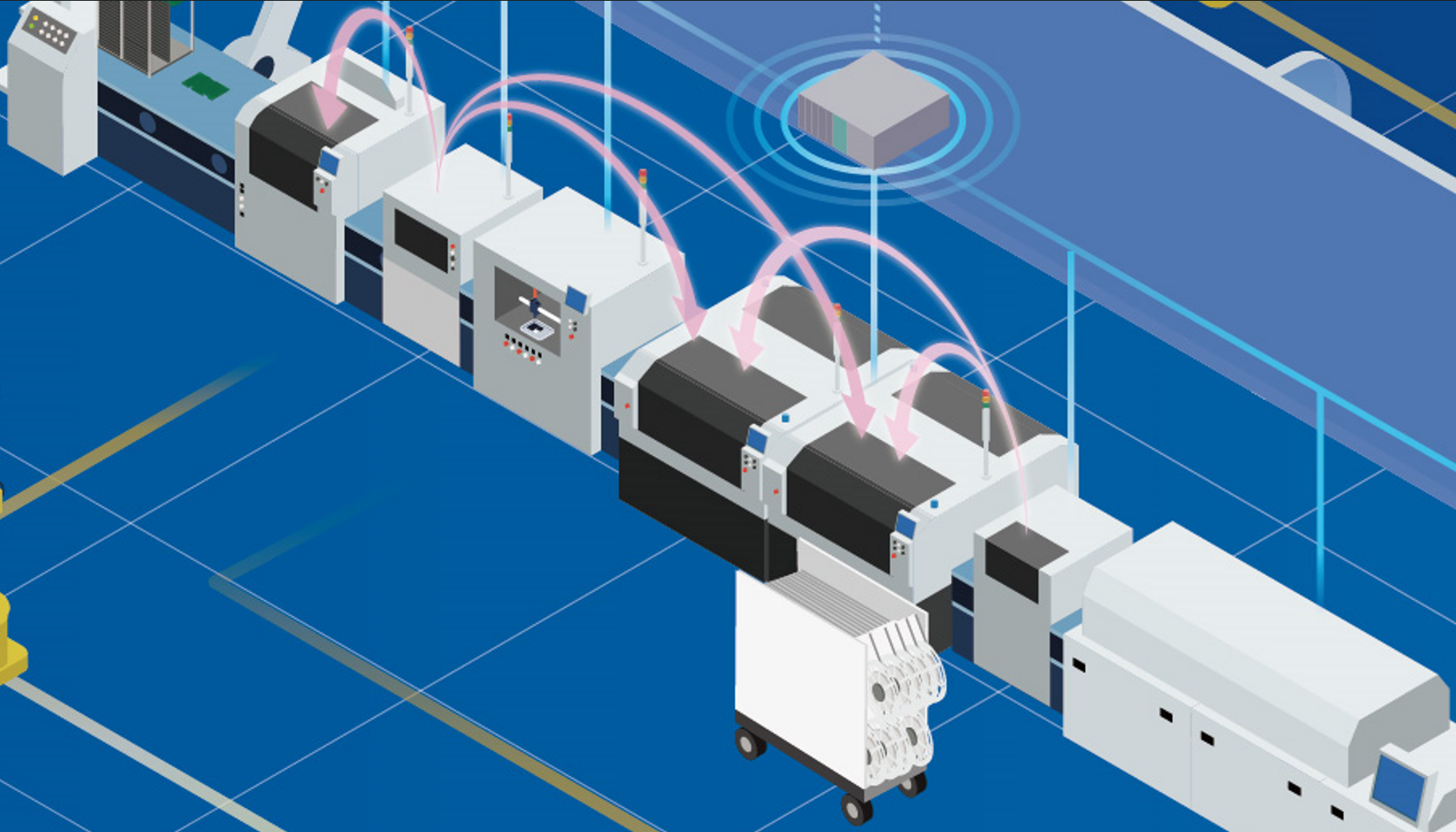
iLNB
Optimization of the entire production line by “connecting" Panasonic machines, non-Panasonic machines, and higher-level systems
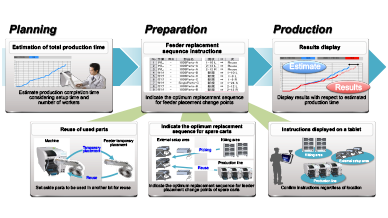
Feeder Setup Navigator
Contributes to improved productivity with highly accurate production time estimation and feeder replacement sequence instructions
Realted links for Manufacturing Operations Management System MOM
Production Scheduler Asprova Visualization Tool MotionBoard Electronic Reporting Tool i-Reporter