This software solves the following issues.
- The entire mounting floor is not centrally managed, and quality, cost and floor productivity have not been improved
- The work of the entire mounting floor cannot be visualized, and is not automated and standardized
PanaCIM-EE Gen2 is the solution.
Viewing time 90 sec
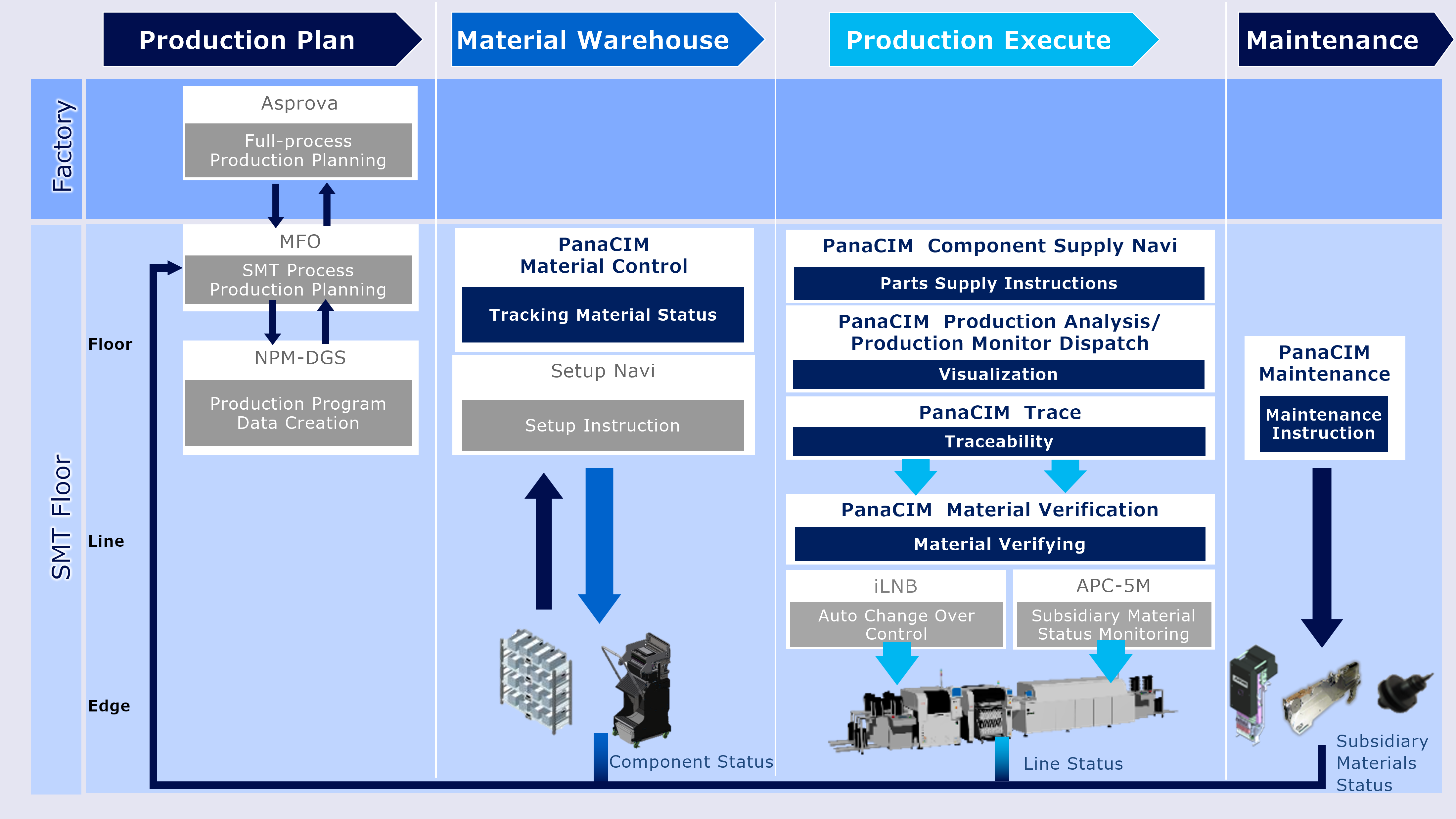
Panasonic’s PanaCIM-EE Gen2 is a mounting MES software that centrally manages the entire mounting floor.
It supports improvement in QCD of each task related to mounting.


Viewing time 150 sec
Material Verification
It is possible to efficiently check whether the material is correctly installed.
Viewing time 90 sec
Production Analysis/Production Monitor Dispatch
Operational analysis: Customized view of analytical reports for lines and machine.
Operational monitor: View operational and performance data.
Viewing time 90 sec
Material Control
Material location, transfer destination, remaining quantity, humidity control and report display are possible.
Viewing time 120 sec
Component Supply Navi
It is possible to predict when components are out of supply and to indicate the route when components are supplied.
Viewing time 60 sec
Trace
Storage and display of PCB data, components data and production program information are possible.
Viewing time 90 sec
Maintenance
Real-time management of maintenance status is possible. Interlock is possible when a defective component is inserted by mistake.
Step 1: Understanding Your Challenges
We conduct a thorough investigation and analysis of your manufacturing site to understand the flow of materials and operations, identifying key issues and challenges.
Step 2: Defining Requirements for Improvement
By hearing to your expectations for production management, planning, and workflows, we propose solutions from a third-party perspective.
Step 3: System Design, Development, and Implementation
Together with you, we design the system based on the ideal future state, conduct a simulation on the system and implement it.
Step 4: Operational Support
We provide ongoing support to help you leverage the implemented system for continuous improvement in your operations.

Manufacturing Operations Optimizer
MFO
The “Next Innovation" in mounting production lines.
Automatic planning of optimal production based on collected worksite information, parameters, and mounting PCB data

Data Generation System
NPM-DGS
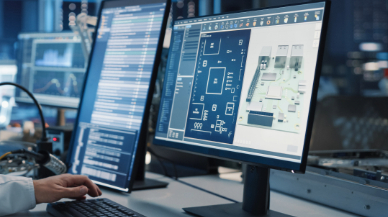
Contributes to the generation of optimal component arrangements, assembly order and production data for multiple PCBs by importing your CAD and BOM data
Integrated Line Management System
iLNB
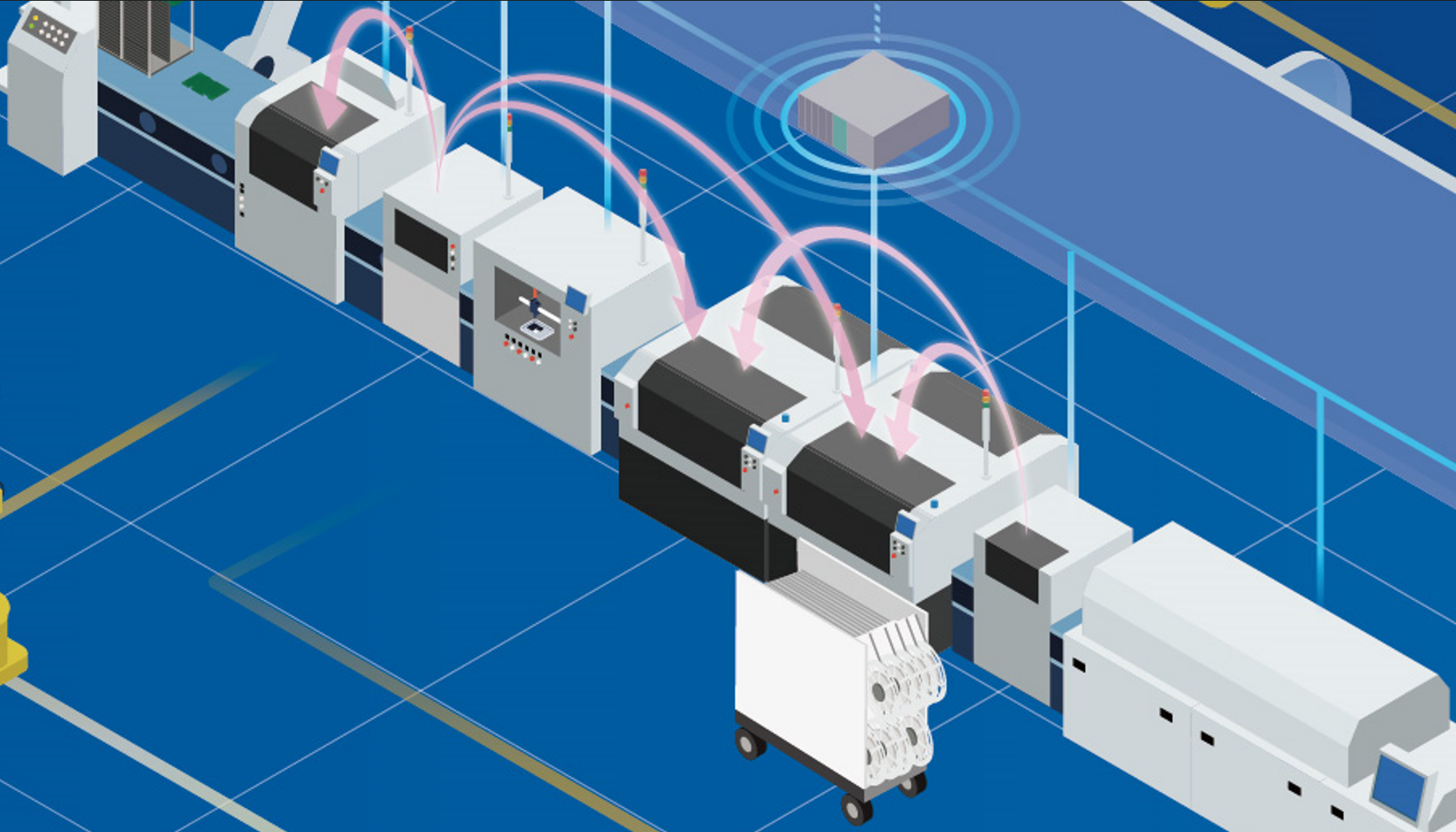
Optimization of the entire production line by “connecting" Panasonic machines, non-Panasonic machines, and higher-level systems
Feeder Setup Navigator
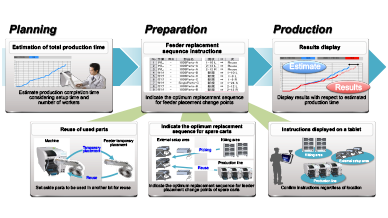
Contributes to improved productivity with highly accurate production time estimation and feeder replacement sequence instructions
Realted links for Manufacturing Operations Management System MOM
Production Scheduler Asprova Visualization Tool MotionBoard Electronic Reporting Tool i-Reporter