Campaign bands
Background colour
White
Section intro title
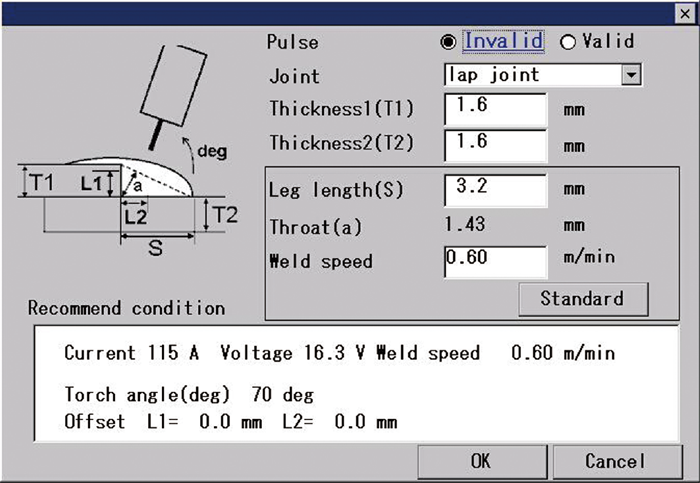
What is Welding Navigation?
Hide Item
0
Band body

Automatically selects standard conditions based on the extensive welding parameters database accumulated through years of experience. This reduces the time required for setting welding parameters.

Hide Item
0
Media
Media
Teach pendant
Hide Item
0
Background colour
Grey
Section intro title
Prameter Setting
Hide Item
0
Band body

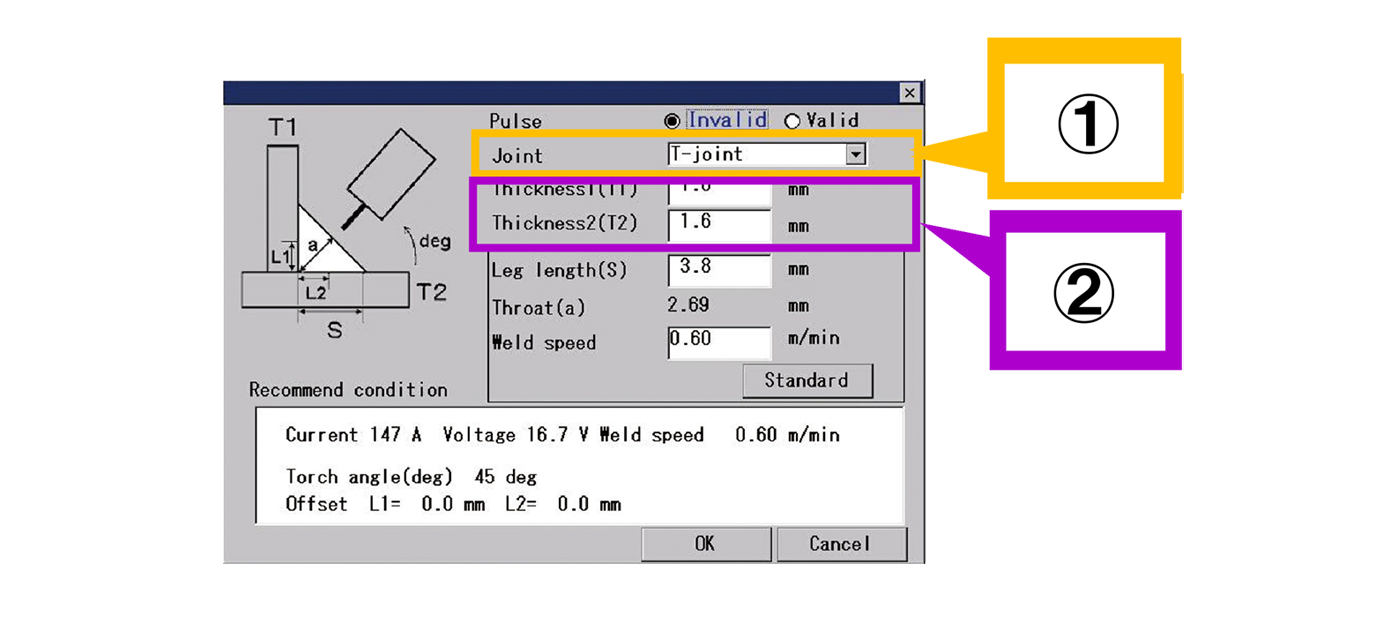
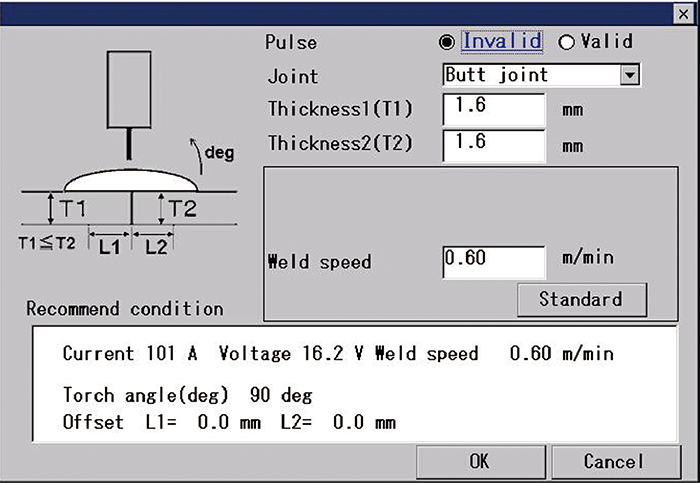
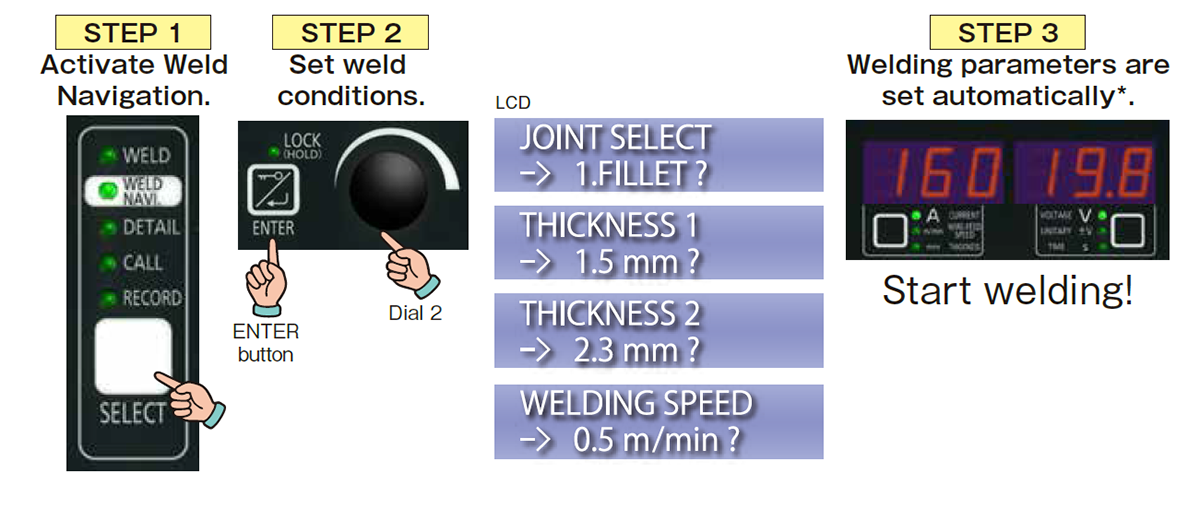
(1) Select weld joint. The figure changes according to the joint.
(2) Enter plate thicknesses 1 and 2.
Hide Item
0
Media
Media
weld-navigation-setting-1
Hide Item
0
Media (max. 2)
Media
weld-navigation-setting2
Media
weld-navigation-setting3
Hide Item
0
Item body

In addition, leg length and welding speed can also be adjusted.
Current/voltage conditions are automatically calculated based on the changes made.

Media
Media
welding navigation setting4
Hide Item
0
Background colour
White
Section intro title
Mountable on the Welding Machines
Hide Item
0
Item body

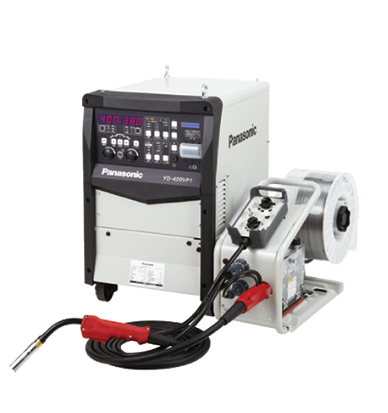
The algorithms used in TAWERS is used in the Weld Navigation of full digital welding machines. This reduces the time required for setting welding parameters.

Media
Media
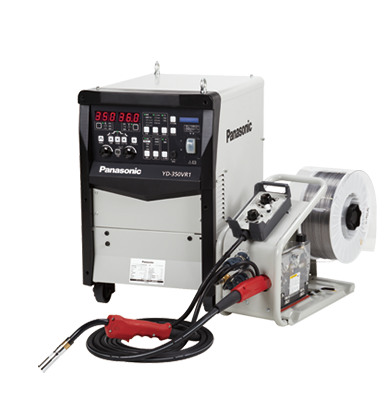
350VZ1
Hide Item
0
Band body

In addition, a plate thickness command is provided and welding parameters can be set just by entering the plate thickness. * The fillet welding parameters for the entered plate thickness is automatically set.
* The fillet welding parameters for the entered plate thickness is automatically set.
Media
Media
weld-navigation-setting process
Hide Item
0
Band intro title
Models equipped with Weld Navigation
Hide Item
0
Column items
Column body
Media
Media
350VR1
Column body
Media
Media
400VP1
Hide Item
0
Background colour
White
Section intro title
Support
Hide Item
0
Band intro title
溶接手帳(溶接関連資料)
Hide Item
1
Item body

溶接機に必要な設備や溶接条件など、お客様のお困りごとを解決するお役立ち情報満載の「溶接手帳(溶接関連資料)」はこちらからダウンロードすることができます。
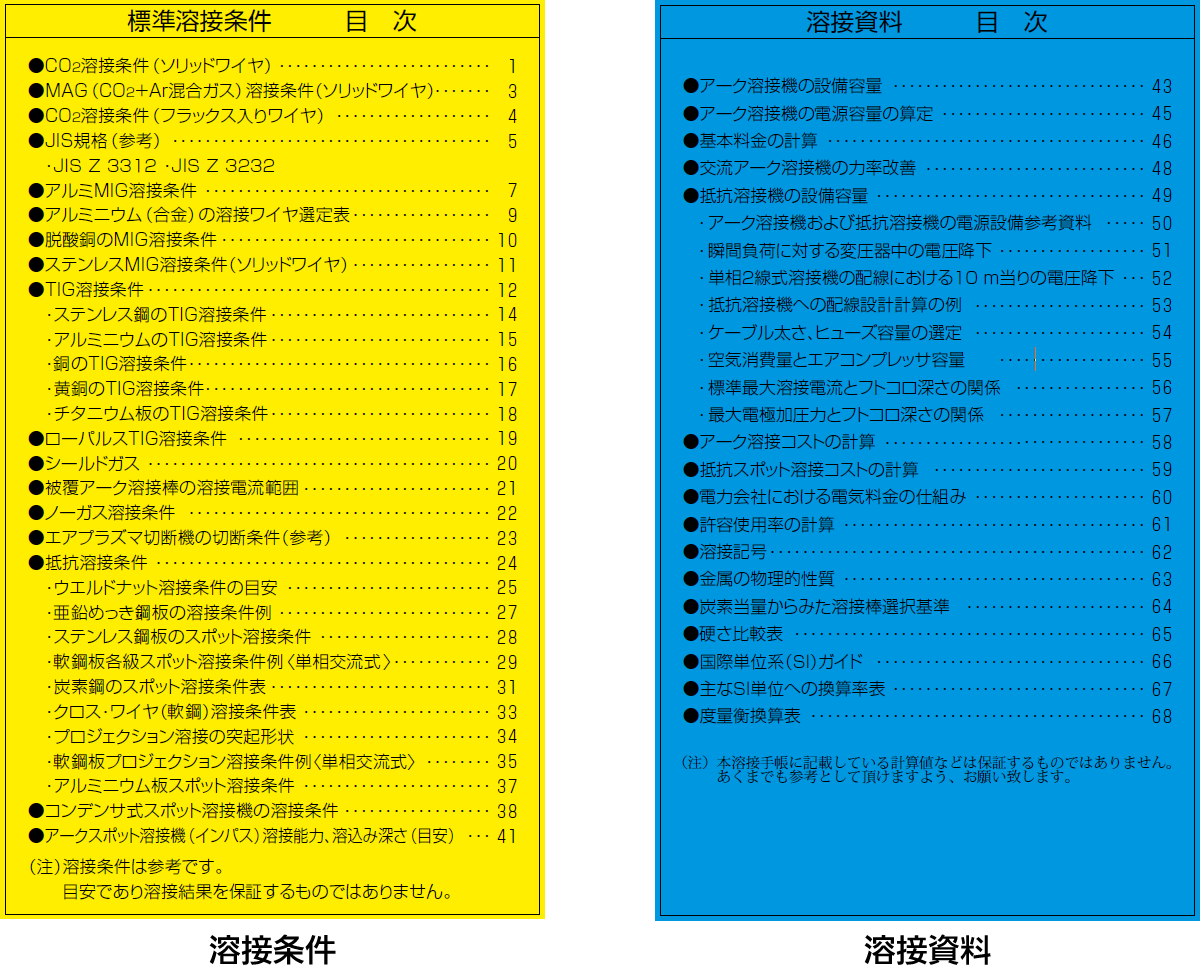
溶接手帳のダウンロード

Media
Behaviour state
Lightbox triggered by Thumbnail
Media
溶接手帳
Hide Item
1
Band intro title
Services
Hide Item
1
Column items
Column subtitle
Global network
Column body

Panasonic has established a system to support customers all over the world. Customers expanding production from Japan to overseas factories can also use our equipment with peace of mind.

Media
Media
グローバルネットワーク
Column subtitle
Website for Panasonic Shoyokai
Column body

Website dedicated page for members of Panasonic Shoyokai. You can download the application form to join the membership website P-Web.

Media
Media
パナソニック松溶会
Hide Item
0
Background colour
Grey
Section intro title
Related Links
Hide Item
0
Wysiwyg body
Hide Item
0
Campaign header image
Display title
溶接ナビ (改) (英)
URL alias
/products-services_welding/products/welding-machine/feature/arc-welding-robot_navi
Use WYSIWYG header
On
Campaign header WYSIWYG