Campaign bands
Background colour
White
Section intro title
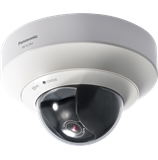
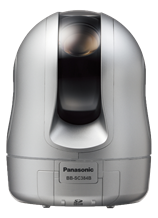
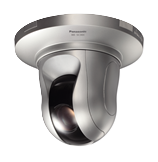
BB-SC
Anchor link ID
BB-SC
Wysiwyg body
Background colour
White
Section intro title
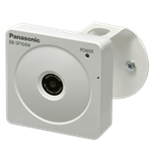
BB-SP
Anchor link ID
BB-SP
Wysiwyg body
Background colour
White
Section intro title
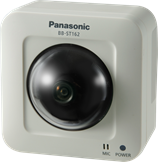
BB-ST
Anchor link ID
BB-ST
Wysiwyg body
Background colour
White
Section intro title
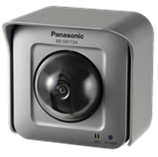
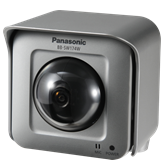
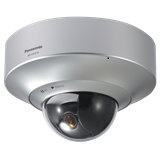
BB-SW
Anchor link ID
BB-SW
Wysiwyg body
Background colour
White
Section intro title
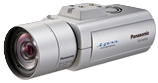
DG-NP
Anchor link ID
DG-NP
Wysiwyg body
Background colour
White
Section intro title
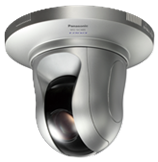
DG-NS
Anchor link ID
DG-NS
Wysiwyg body
Background colour
White
Section intro title
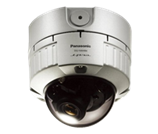
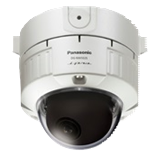
DG-NW
Anchor link ID
DG-NW
Wysiwyg body
Background colour
White
Section intro title
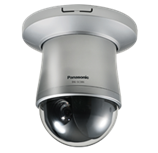
DG-SC
Anchor link ID
DG-SC
Background colour
White
Section intro title
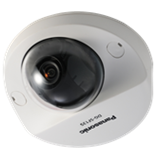
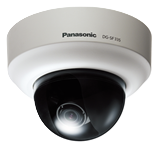
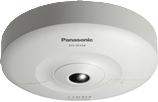
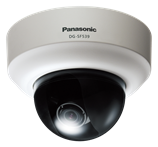
DG-SF
Anchor link ID
DG-SF
Background colour
White
Section intro title
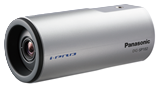
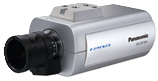
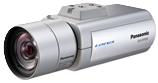
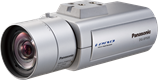
DG-SP
Anchor link ID
DG-SP
Wysiwyg body
Background colour
White
Section intro title
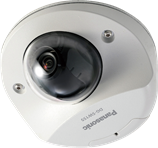
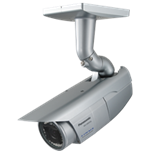
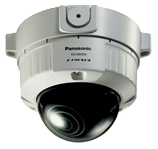
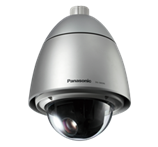
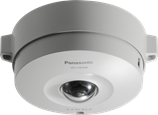
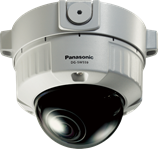
DG-SW
Anchor link ID
DG-SW
Background colour
White
Section intro title
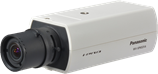
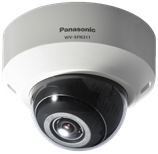
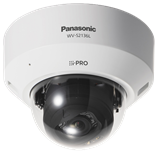
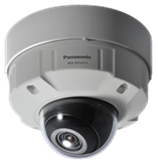
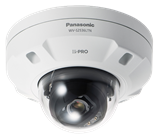
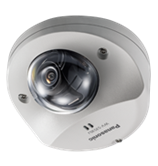
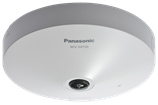
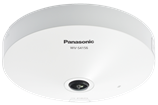
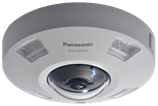
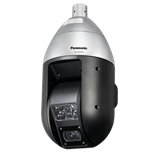
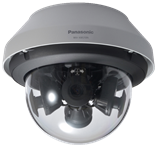
WV-S
Anchor link ID
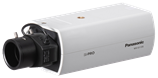
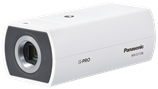
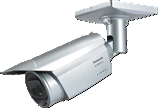
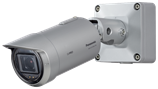
WV-S
Wysiwyg body

Background colour
White
Section intro title
WV-SC
Anchor link ID
WV-SC
Wysiwyg body

Background colour
White
Section intro title
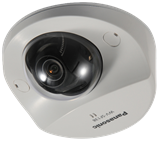
WV-SF
Anchor link ID
WV-SF
Background colour
White
Section intro title
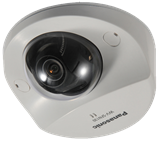
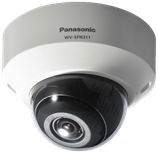
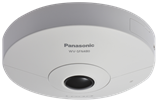
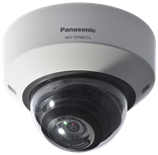
WV-SFN
Anchor link ID
WV-SFN
Background colour
White
Section intro title
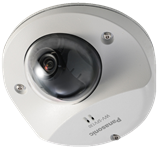
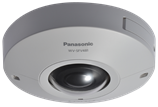
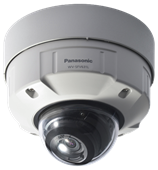
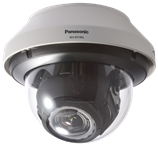
WV-SFV
Anchor link ID
WV-SFV
Background colour
White
Section intro title
WV-SP
Anchor link ID
WV-SP
Wysiwyg body
Background colour
White
Section intro title
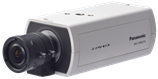
WV-SPN
Anchor link ID
WV-SPN
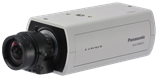
Background colour
White
Section intro title
WV-SPV
Anchor link ID
WV-SPV
Wysiwyg body

Background colour
White
Section intro title
WV-SPW
Anchor link ID
WV-SPW
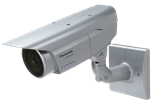
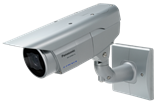
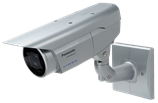
Background colour
White
Section intro title
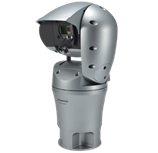
WV-SUD
Anchor link ID
WV-SUD
Wysiwyg body
Background colour
White
Section intro title
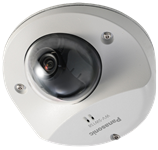
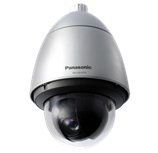
WV-SW
Anchor link ID
WV-SW
Background colour
White
Section intro title
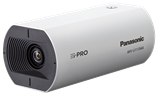
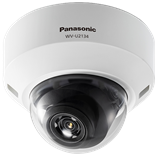
WV-U
Anchor link ID
WV-U
Background colour
White
Section intro title
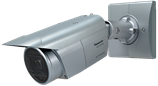
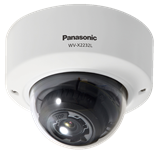
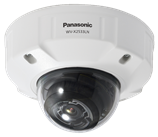
WV-X
Anchor link ID
WV-X
URL alias
/products-services/security/support/technical-information/howto-initialize
Use WYSIWYG header
On
Campaign header WYSIWYG
Automate carousel?
Off
Display in-page navigation
Off